Control Flow in JavaScript: If, Else & Switch Explained

Learn how JavaScript makes decisions — from simple if checks to powerful switch statements — with real-life analogies, diagrams, and working code examples.
01.What is Control Flow?
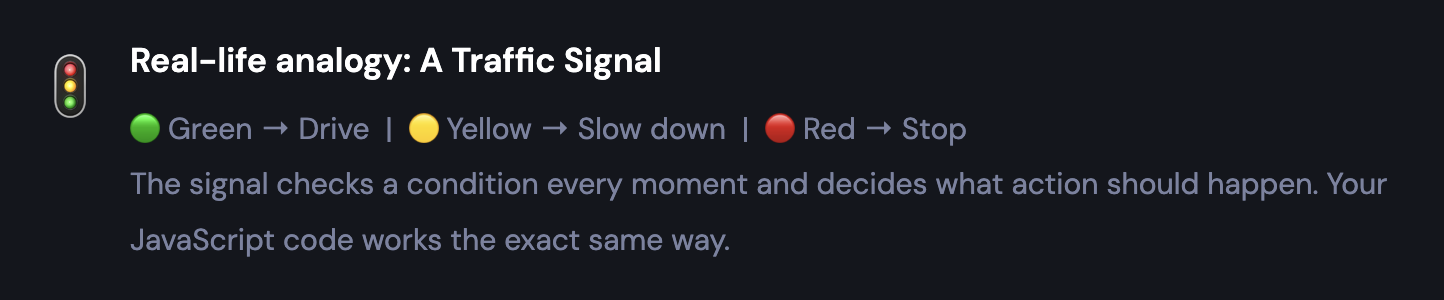
Imagine you wake up in the morning. You look outside — if it is raining, you take an umbrella. Otherwise, you don't. That decision-making moment? That's control flow happening in your brain.
In programming, control flow is the order in which your code executes. By default, JavaScript runs your code line by line, from top to bottom. But with control flow statements, you can change that order — skip some code, repeat it, or jump to a different section entirely — all based on conditions.
JavaScript gives us four main tools for control flow:
if— run code only when a condition is trueif...else— choose between two different pathselse if— handle multiple conditions in a chainswitch— cleanly match one value to many possible cases
02.The if Statement
The if statement is the most fundamental building block of control flow. It says: "Only run this code if this condition is true." If the condition is false, JavaScript simply skips that block and moves on.
Syntax
if (condition) {
  // This block runs ONLY when condition is true
}
Example: Voting Eligibility in India
You can vote if you are 18 or older. Let's write that exact rule in JavaScript.
let age = 20;

if (age >= 18) {
  console.log("You are eligible to vote!");
}

// age is 20, so 20 >= 18 is TRUE → block runs

output
You are eligible to vote!
Now what if age = 15? The condition 15 >= 18 is false — so JavaScript skips the block and nothing is printed. That's where else becomes useful.
03.The if...else Statement
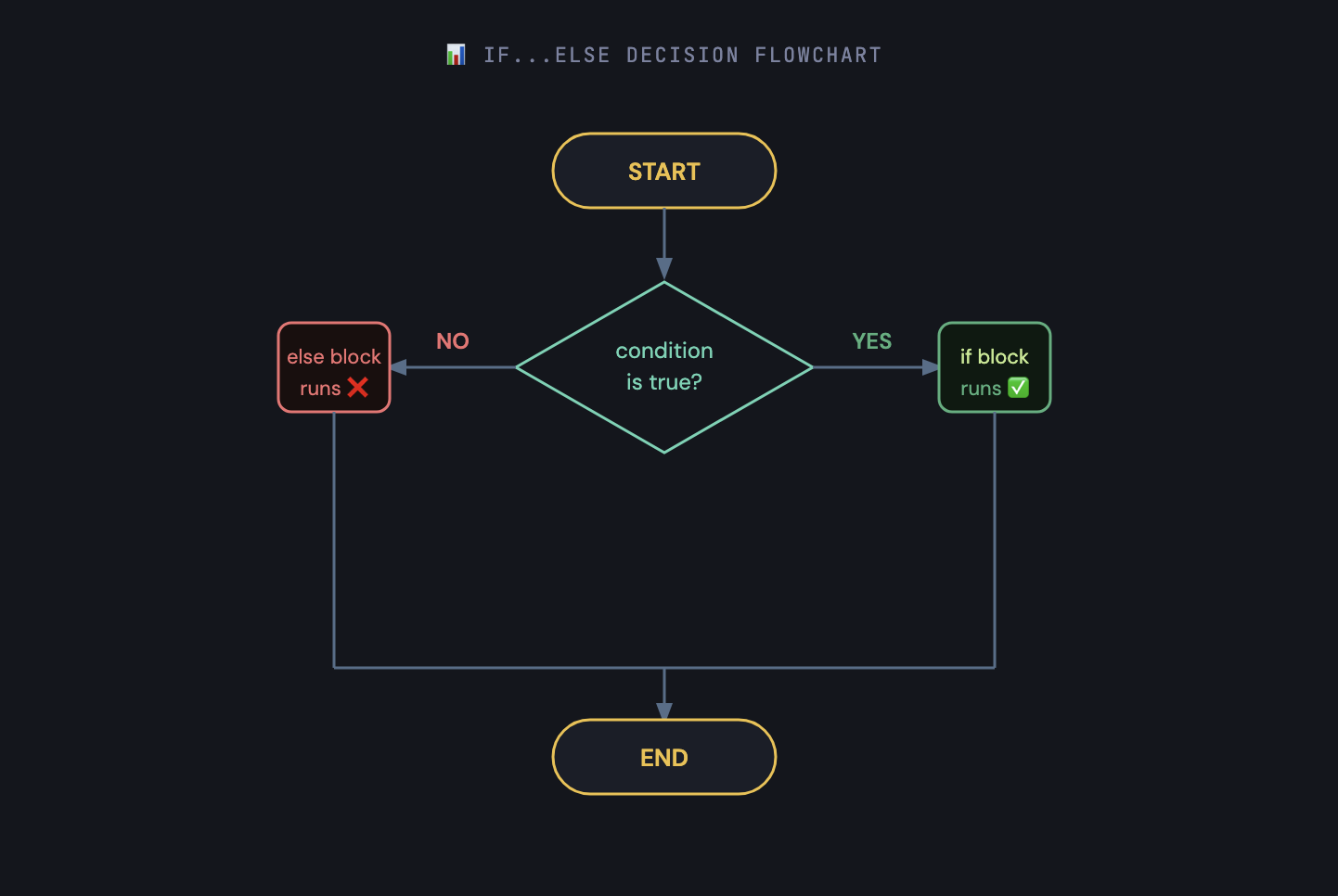
The if...else statement gives you two paths: run one block if the condition is true, and run a different block if it's false. One of the two will always run — never both, never neither.
Syntax
if (condition) {
  // Runs when condition is TRUE
} else {
  // Runs when condition is FALSE
}
Example: Pass or Fail
let marks = 45;

if (marks >= 50) {
  console.log("Congratulations! You passed!");
} else {
  console.log("You failed. Better luck next time!");
}

// 45 >= 50 is FALSE → else block runs

output
You failed. Better luck next time!
💡Key point: In an if...else, exactly one block will always run. If the condition is true → if runs. If false → else runs. There is no situation where both run, or neither runs.
04.The else if Ladder
What if you have more than two possible outcomes? The else if ladder lets you chain multiple conditions together. JavaScript checks each condition from top to bottom and runs the first one that is true. All remaining conditions are then ignored
Real-life example: College Grade System
90+ marks → Grade A | 75+ → Grade B | 60+ → Grade C | 50+ → Grade D | Below 50 → Fail
Syntax
if (condition1) {
  // runs if condition1 is true
} else if (condition2) {
  // runs if condition1 is false AND condition2 is true
} else if (condition3) {
  // runs if condition1 & 2 are false AND condition3 is true
} else {
  // runs if NONE of the above conditions are true
}
Example: Grade Calculator
let marks = 78;

if (marks >= 90) {
  console.log("Grade: A");
} else if (marks >= 75) {
  console.log("Grade: B");   // <-- This runs!
} else if (marks >= 60) {
  console.log("Grade: C");
} else if (marks >= 50) {
  console.log("Grade: D");
} else {
  console.log("Grade: F (Failed)");
}

output
Grade: B
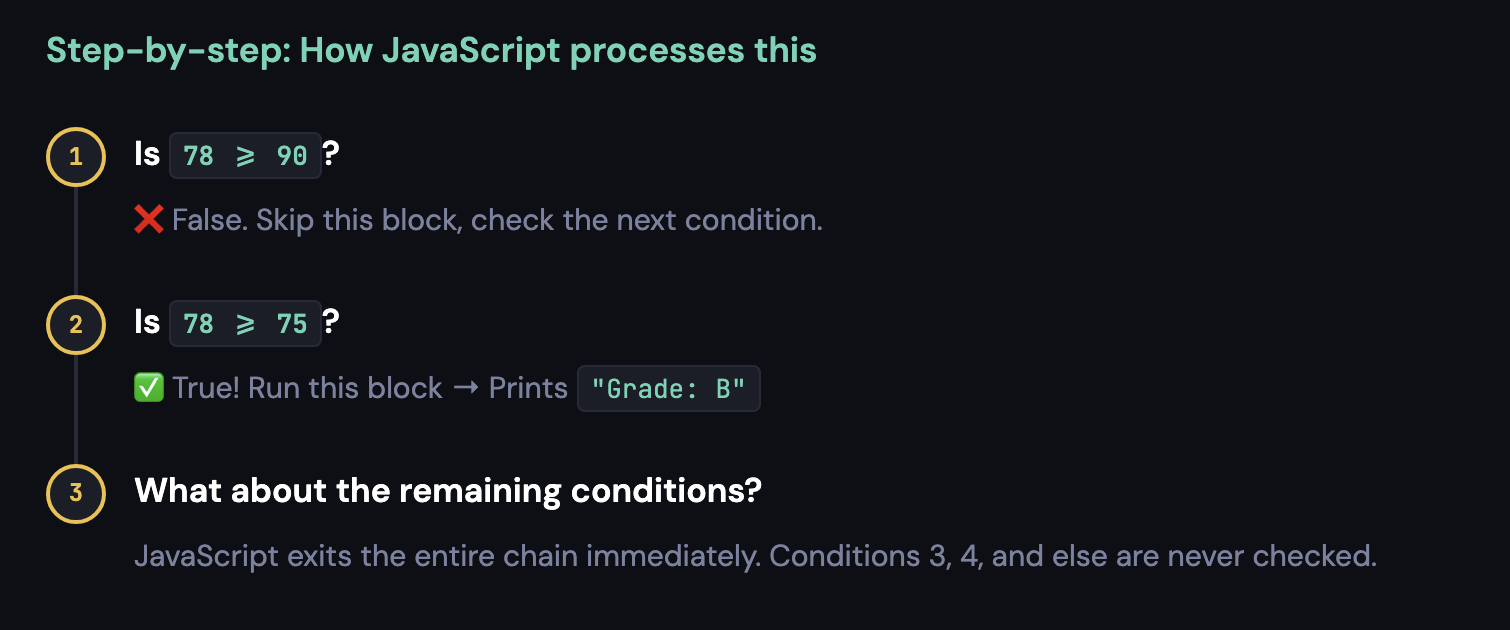
⚠️Remember: As soon as JavaScript finds one true condition in an
else ifchain, it runs that block and skips everything else below. Order matters — always put the most specific condition first.
05.The switch Statement
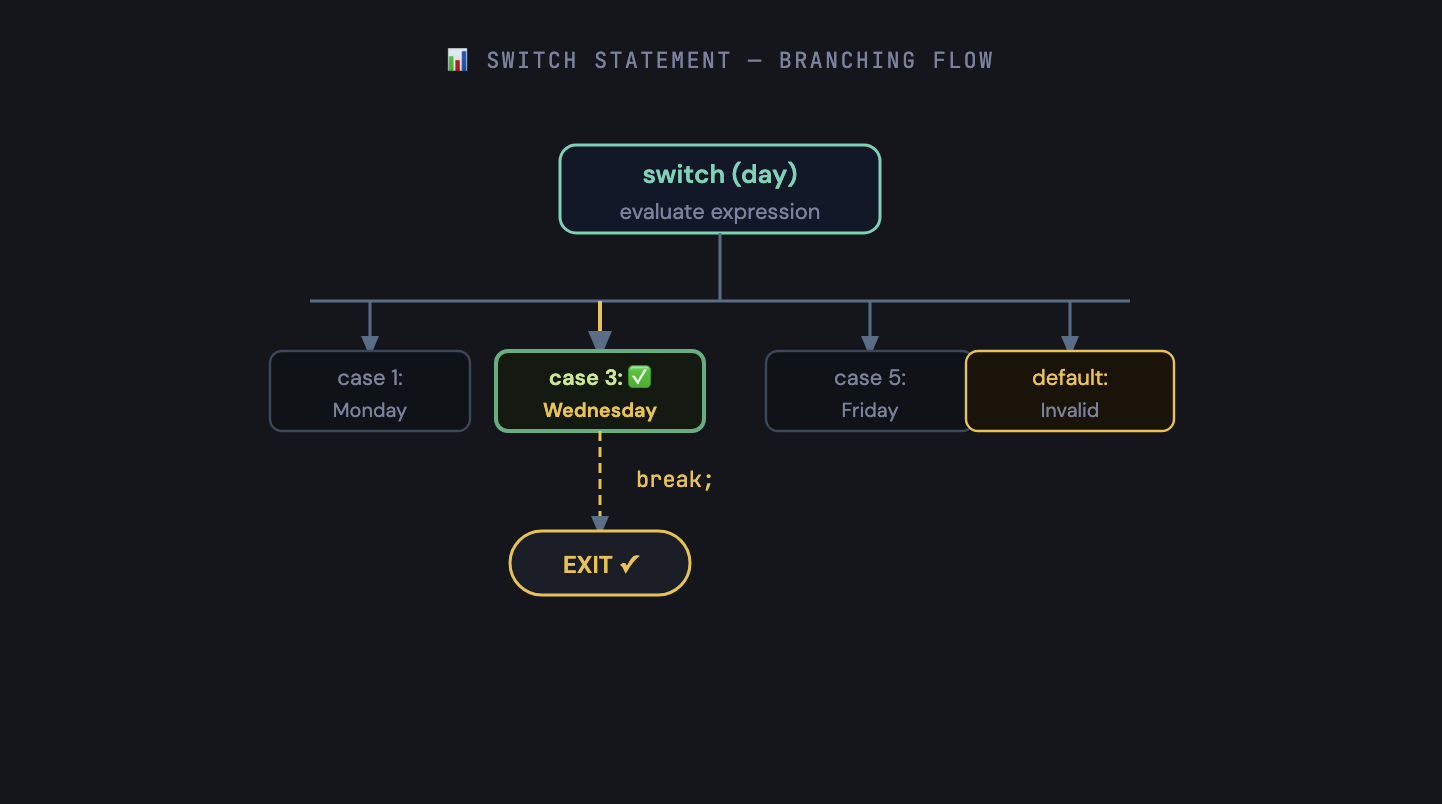
The switch statement is the go-to tool when you're checking one single variable against many possible exact values. Instead of writing a long chain of else if conditions, you list out each "case" and JavaScript jumps directly to the matching one
🗓️
Real-life analogy: Elevator Floor Buttons
You press a floor number and the elevator goes directly to that floor. It doesn't check every floor one-by-one — it jumps straight to the right one. That's exactly how switch works.
Syntax
switch (expression) {
  case value1:
    // runs when expression === value1
    break;     // ← Stops here. Very important!

  case value2:
    // runs when expression === value2
    break;

  default:
    // runs when NO case matches (same as else)
}
Example: Day of the Week
let day = 3;

switch (day) {
  case 1:
    console.log("Monday");
    break;
  case 2:
    console.log("Tuesday");
    break;
  case 3:
    console.log("Wednesday");  // <-- Matches!
    break;
  case 4:
    console.log("Thursday");
    break;
  case 5:
    console.log("Friday");
    break;
  case 6:
    console.log("Saturday");
    break;
  case 7:
    console.log("Sunday");
    break;
  default:
    console.log("Invalid! Enter a number between 1 and 7.");
}


output
Wednesday
🔴 Understanding the break Keyword
The break keyword tells JavaScript: "You found the right case — stop here and exit the switch block." Without it, JavaScript exhibits "fall-through" behaviour, where it keeps executing the next cases even though they don't match your value.
let day = 1;

switch (day) {
  case 1:
    console.log("Monday");    // Runs correctly
    // No break! Falls through to the next case...
  case 2:
    console.log("Tuesday");   // Also runs! This is a bug.
    break;
}

output
Monday
Tuesday
⚠️Always add
breakafter each case, unless you have a specific reason not to. Forgettingbreakis one of the most common JavaScript beginner mistakes.
✅ Intentional Fall-through (Grouping Cases)
Sometimes fall-through is useful — for example, when multiple values should produce the same result:
let day = 6;

switch (day) {
  case 6:   // Both case 6 and 7
  case 7:   // fall into the same block
    console.log("It's the weekend! Time to relax.");
    break;
  default:
    console.log("It's a weekday. Keep working!");
}

output
It's the weekend! Time to relax.
06.Switch vs if-else: When to Use What?
| FACTOR | IF...ELSE | SWITCH |
|---|---|---|
| Best for | Ranges & complex conditions (>=, <=, multiple variables) |
Matching one variable to many exact fixed values |
| Condition type | Any boolean expression | Only strict equality (===) |
| Readability | Gets messy with 5+ conditions | Very clean and readable for many fixed values |
| Default fallback | else at the end |
default: at the end |
| Example use case | Grade bands (50–60, 60–75...), age checks, login validation | Day of week, menu options, HTTP status codes |
Simple rule: Comparing one variable to many fixed, exact values? → Use
switch. Checking ranges, multiple variables, or complex logic? → Useif...else.
Conclusion
Control flow is the backbone of every program you will ever write. Without it, your code would just run the same way every single time — no decisions, no logic, no real behaviour.
Here's what you learned today:
ifruns a block only when a condition is trueif...elsealways picks one of two pathselse ifhandles multiple conditions in a chainswitchcleanly matches one value to many casesbreakis essential inside switch to prevent fall-through bugsUse
if-elsefor ranges, useswitchfor exact value matching
If this helped you, drop a ❤️ and share it with someone learning JavaScript. Happy coding!

